Shopee bills payment voucher
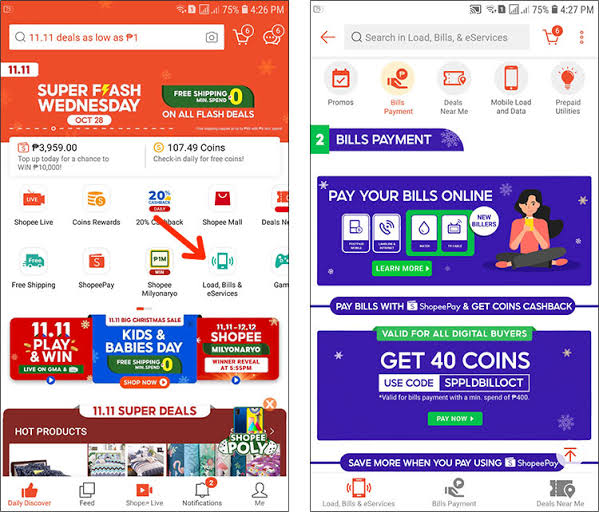
Monthly fixed expenses such as electricity, water, and internet bills consistently consume a substantial portion of every household budget. Applying a shopee bills payment voucher offers an effective solution to ease this financial strain through direct instant discounts and generous Shopee Coins cashback. Mastering the art of collecting a shopee bills payment voucher during key peak promotional slots allows users to lock in maximum savings before limited voucher redemption limits are fully exhausted. This step-by-step guide from RentAds provides a comprehensive breakdown of promotional release schedules alongside seamless bill clearance workflows, making recurring utility payments both effortless and cost-effective.
Classification of Common Shopee Bills Payment Voucher Categories
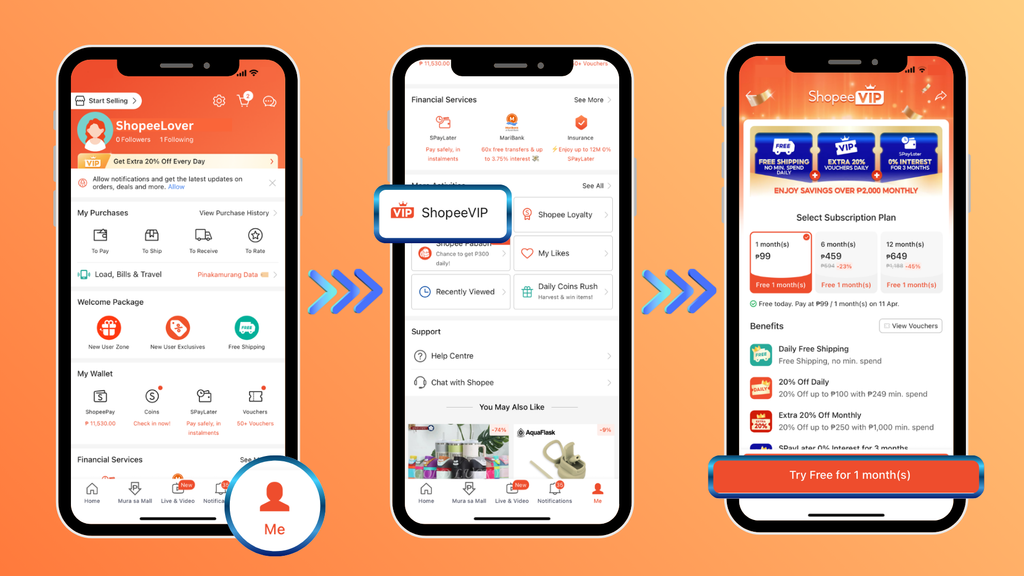
Shopee bill payment promotional codes differ across discount mechanics, direct reduction limits, and application terms. Prior to order confirmation, verify the service type, minimum bill spend thresholds, and supported payment methods to prevent code invalidation errors during checkout.
Direct Discount Vouchers
Direct discount vouchers deduct a fixed monetary amount directly from the total payable sum when settling utility bills such as electricity, water, cable TV, or internet connections. For instance, a 500,000 VND bill paired with a 20,000 VND direct discount voucher reduces the net payment to 480,000 VND, provided all promotional criteria are met.
This tier is optimal for higher-value utility bills because financial savings are applied immediately to the transaction total. When selecting codes, prioritize higher direct discount limits relative to lower minimum bill spend thresholds, while monitoring monthly redemption limits.
Shopee Coins Cashback Vouchers
Rather than providing an immediate cash deduction, certain promotional campaigns award Shopee Coins post-successful transaction completion. Earned Shopee Coins can be redeemed toward subsequent qualifying purchases across the Shopee ecosystem subject to platform terms.
Note that coin cashback value differs from instant cash flow reductions. Review the absolute coin payout volume, distribution timelines, and redemption conditions when choosing between coin cashback and direct discount variants.
First-Time User Promotional Vouchers
Targeted at accounts using Shopee’s Digital Products & Bills category for the first time, these vouchers often feature higher discount rates than standard promotional codes. However, they carry specific account standing, service type, minimum spend, or promotional window restrictions.
First-time bill payers should audit new-user voucher categories prior to initiating a transaction. Once selected, confirm the net discount applied at the final checkout screen before confirming the payment.
Promotional Release Schedules and Peak Collection Windows
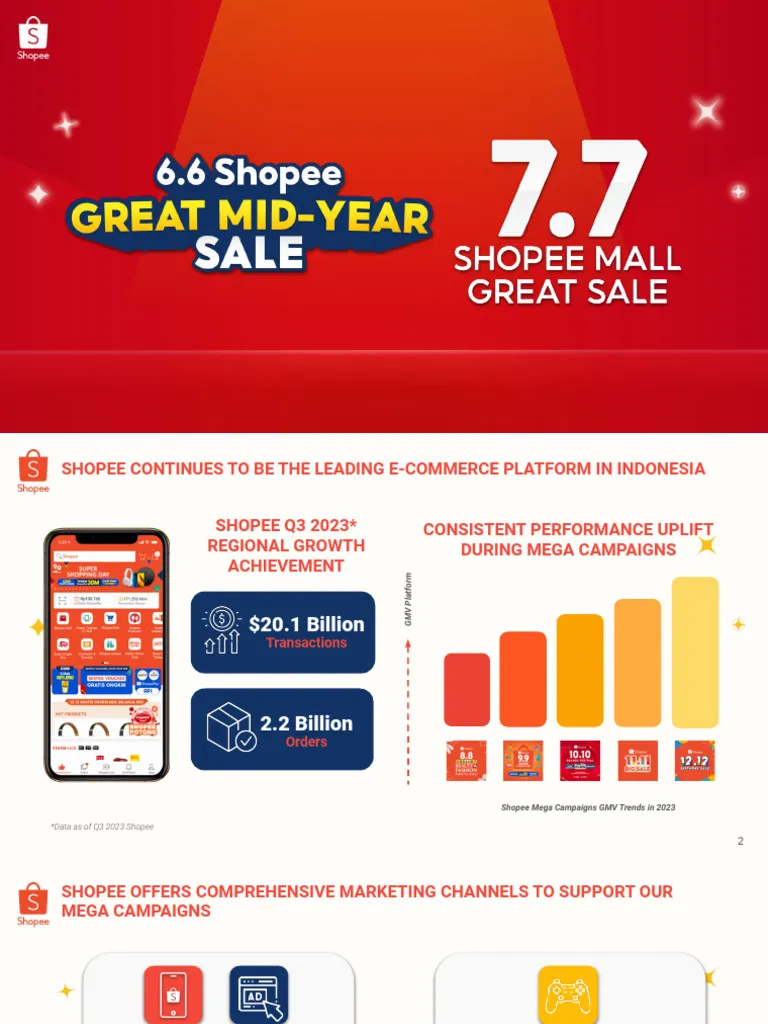
To collect a shopee bills payment voucher, monitor promotional releases during major campaign dates and scheduled voucher drop slots. Preparing bill details in advance ensures rapid checkout before voucher redemption limits are reached.
Campaign Days for High-Value Vouchers
Mega Sale campaigns (such as 1/1, 2/2, 11/11, 12/12) and Mid-Month Sales represent primary collection opportunities for bill payment vouchers. 1–2 days prior to sale launches, navigate to Digital Products & Bills > Utility Bills to preview active promotions for electricity, water, internet, or cable television.
When managing multiple concurrent bills, evaluate which invoices fall within active campaign dates. For example, if holding a 300,000 VND internet bill and a 700,000 VND electricity bill, inspect voucher conditions beforehand to match the highest discount cap with the most appropriate minimum spend tier. Avoid waiting until bill due dates to redeem vouchers, as limited quantities may deplete early.
Scheduled Drop Windows (00:00, 09:00, 12:00, 18:00, 21:00)
When a campaign advertises timed drops at 00:00, 09:00, 12:00, 18:00, and 21:00, set reminders 5–10 minutes prior to release. At the release hour, open Digital Products & Bills, select the specific bill type, and claim vouchers directly from the service page rather than searching the homepage.
Execute the following checkout sequence:
- Claim the voucher if the claim button unlocks prior to release.
- Access the payment portal at the scheduled time to select the claimed code.
- Enter bill account details, select the voucher, and verify the net discount amount.
- If a code fails to apply, re-check service compatibility, minimum spend requirements, and required payment channels before switching to a backup code.
Timed drops apply only when explicitly announced by official campaign materials.
Member-Exclusive and ShopeePay Channel Offers
Promotional codes released through Loyalty Tier rewards or co-branded ShopeePay campaigns often reside within dedicated promotional hubs rather than the main voucher page.
Prior to checkout, check service-specific vouchers, ShopeePay-exclusive offers, and account tier perks sequentially. If multiple codes apply, select the option yielding the highest net monetary discount. For capped vouchers, prioritize immediate utility payments over advance bill settlements.
Step-by-Step Guide to Applying a Shopee Bills Payment Voucher
To ensure smooth checkout and avoid voucher mismatches, follow a structured sequence from service selection to final payment verification.
Step 1: Access Digital Products & Bills on Shopee
From the main Shopee app interface, tap Digital Products & Bills and select the utility service category. Note that menu placement may vary slightly depending on app version updates.
Inspect the Vouchers & Deals section within the bill landing page before entering account details. Checking availability first avoids entering account numbers only to find voucher allocations exhausted.
Step 2: Select Service and Enter Bill Account Number
Select the appropriate bill category (Electricity, Water, Internet, or Financial Services) and enter your customer account number provided by the utility vendor. Once submitted, verify the auto-populated customer name and billing balance returned by the system.
Confirm customer details carefully. Entering an incorrect account number may return an improper billing record or cause lookup failures. For electricity and water bills, cross-reference the retrieved name and billing amount against your physical or e-invoice notice.
Step 3: Choose Compatible Payment Methods
Select a payment method supported by the active shopee bills payment voucher. Depending on promotional terms, vouchers may require ShopeePay, SPayLater, or specific bank cards rather than open payment selection.
If a voucher requires a specific payment method, select that option before applying the code. Changing the payment method midway through checkout may invalidate the applied voucher code.
Step 4: Apply Voucher and Verify Final Payable Balance
At the final checkout screen, open Shopee Voucher to view available codes. Rather than selecting codes based solely on advertised percentage rates, compare the net currency discount, minimum spend threshold, maximum discount cap, and payment requirements.
For example, on a 500,000 VND bill, a 10% off capped at 20,000 VND voucher yields a net 20,000 VND discount. A 30,000 VND flat discount for bills over 300,000 VND voucher provides greater overall savings.
Once selected, verify the post-discount payable total. If the discount renders correctly and billing details are accurate, select Confirm Payment to complete the transaction.
Contact Info
You need a Facebook advertising account but don’t know any reputable provider. Coming to Rentads is where you will experience what you need google ads account for rent prestige, high trust, and professional consulting and service support for customers.
Frequently Asked Questions
Vouchers may fail to apply if global redemption limits have been reached, minimum bill spend thresholds are unmet, or the code is restricted to specific utility providers or payment channels. Open the voucher terms & conditions tab to review specific restrictions.
Check the maximum discount cap of the code. For instance, a 15% discount voucher capped at 20,000 VND will only deduct 20,000 VND on a 500,000 VND transaction. Additionally, confirm whether your chosen payment method matches the voucher’s requirements.

