Debit card installment shopee
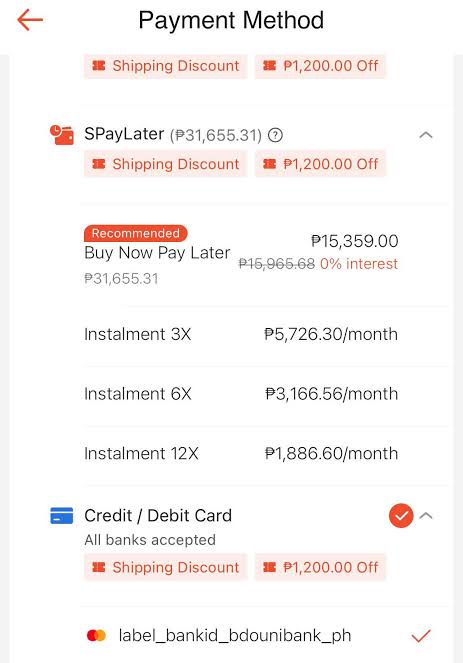
The demand to split high-value purchases into smaller payments is increasingly popular among online shoppers. However, searching for a debit card installment shopee feature often leaves many users confused about its actual feasibility and banking regulations. Clarifying the applicability of a debit card installment shopee option helps buyers proactively choose alternative payment flows and prevent checkout disruptions. This detailed guide from RentAds offers a comprehensive breakdown of debit card functionality, platform payment rules, and optimal installment strategies for every shopping cart.
Truth Regarding Debit Card Installment Shopee Functionality
A common misconception among online shoppers is that linking a Visa or Mastercard debit card to Shopee allows breaking down payments into monthly installments. However, credit and debit cards operate under fundamentally different financial mechanisms, and Shopee enforces distinct payment protocols for lump-sum card processing versus structured installment plans. Shopee’s zero-percent installment program applies strictly to credit cards issued by participating financial partners—not debit cards.
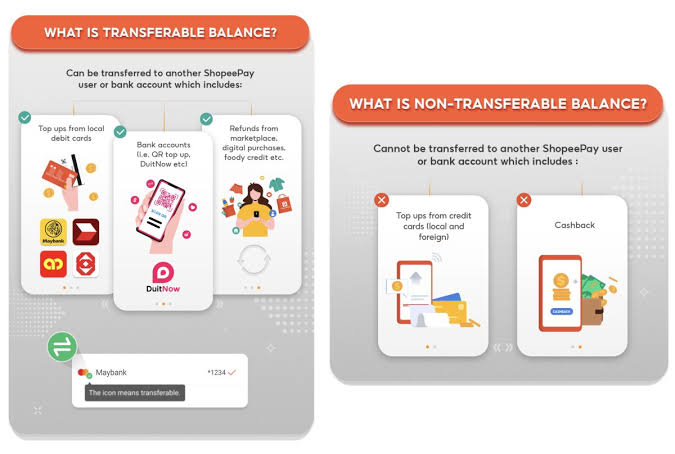
Distinguishing Debit Cards from Credit Cards on Shopee
Debit cards operate by directly pulling funds from an active checking or savings account. Upon completing a purchase, the order balance is deducted immediately from the cardholder’s liquid account balance. Consequently, debit cards do not establish a revolving credit line that banks can segment into subsequent billing cycles.
Credit cards, by contrast, utilize a pre-approved line of credit extended by the issuing bank, allowing cardholders to spend upfront and repay over time. This underlying credit line enables issuing banks and platform partners to convert a qualifying order total into an installment schedule.
On Shopee, these mechanisms reside under separate checkout categories: Credit/Debit Card executes standard full-amount payments, whereas Credit Card Installment represents a distinct, dedicated checkout channel. Shopee does not offer or support a debit card installment shopee feature.
If a Visa or Mastercard debit card processes successfully on Shopee, it simply indicates that the card is supported for standard, single-charge payment processing—it does not mean the transaction can be converted into an installment plan later.
Shopee Regulations and Partner Bank Terms for Installments
Per Shopee Help Center guidelines, the 0% Interest Installment Plan is restricted to valid Visa, Mastercard, JCB, or American Express credit cards issued by participating financial institutions. Shopee explicitly states that installment support is strictly limited to credit card payment methods.
To unlock the installment option during checkout, an order must meet specific criteria:
- The product listing must carry the official 0% INSTALLMENT tag.
- The final checkout value must meet or exceed 3,000,000 VND after applying all promotional codes, shop vouchers, and coins.
- Each installment checkout order can only contain a single qualifying item.
- Available tenure options depend directly on the rules set by the card-issuing bank.
Participating banks and available tenure options are subject to periodic updates. Depending on the issuer, supported repayment terms may span 3, 6, 9, or 12 months. Users should audit real-time eligibility directly on the Product Page > 0% Installment section or at Checkout > Payment Method > Credit Card Installment.
Technical Reasons Debit Card Transactions Cannot Auto-Convert
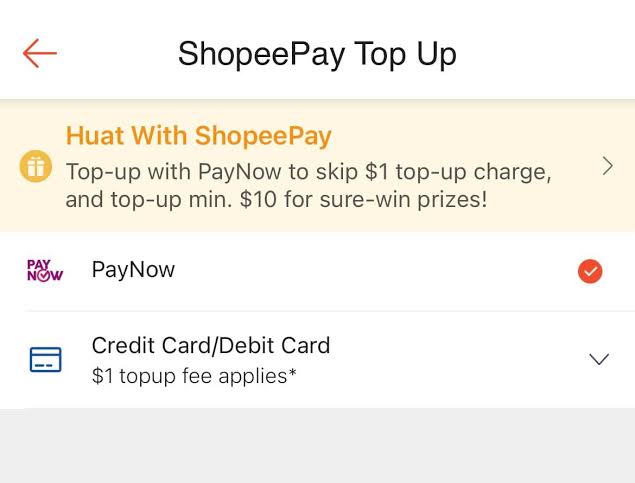
From a technical standpoint, processing a payment via a debit card executes a direct, immediate debit against the user’s bank account balance. Because no credit facility exists on the card, the issuing bank has no mechanism to divide the outlay into structured deferred payments.
Conversely, when a buyer selects the Credit Card Installment flow on Shopee, transaction details are routed directly to the issuing bank or financial service provider for installment conversion. Shopee notes that conversion occurs after order processing milestones are hit, such as order delivery confirmation. As a result, credit card statements may temporarily display the full transaction total while the issuing bank processes the conversion request.
Attempting to pay with a debit card and subsequently requesting to split the charge will fail. The platform cannot convert standard debit transactions post-purchase because the initial payment method falls outside eligible credit conversion pipelines.
Quick Verification Matrix:
- Debit Card: Use exclusively for full upfront payments based on available bank balance. Do not expect installment options to appear during or after checkout.
- Credit Card: Verify that the item carries the “0% Installment” badge, the order total meets the 3,000,000 VND minimum spend, and the card issuer is on Shopee’s approved partner list.
- Unconverted Credit Charges: If an eligible credit card installment order displays as a full lump-sum charge on your statement post-delivery, audit your selected checkout method under Order Details and contact your card-issuing bank for status verification.
Standard Credit Card Installment Conversion Workflow
If you cannot use a debit card for installments, you can complete your purchase using an eligible credit card from a participating bank. Follow this step-by-step procedure to ensure the order processes correctly under an installment structure.
Step 1: Verify Bank Eligibility and Order Requirements
Before placing an order, confirm that the product listing supports 0% Installment and that the net payable total meets the 3,000,000 VND threshold post-discounts. Cross-reference your credit card issuer against Shopee’s current list of supported financial partners.
Repayment tenures vary across issuers—some support 3 and 6 months, while others extend to 9 or 12 months.
Pre-checkout Checklist:
- Ensure the product listing clearly displays the 0% INSTALLMENT badge.
- Confirm the net checkout total reaches the required minimum spend.
- Validate that your card type and issuing bank are supported.
- Check available tenure options for your specific bank.
- Ensure the order is not exempt (e.g., Cross-Border/International orders generally do not support credit card installments).
Step 2: Select “Credit Card Installment” at Checkout
On the Order Confirmation screen, navigate to Payment Method. Do not select standard “Credit/Debit Card” payment; instead, choose Credit Card Installment.
Selecting standard “Credit/Debit Card” processes the transaction as a one-time charge, which cannot be converted into an installment plan later. You can verify your selected checkout channel under Me > My Purchases > Select Order > Order Details > Payment Method.
Step 3: Choose Bank, Tenure, and Enter Credit Details
Within the installment sub-menu, select your card-issuing bank and pick your desired repayment tenure (3, 6, 9, or 12 months, depending on issuer availability).
Enter your qualifying credit card credentials. Review card details, expiration dates, cardholder names, and any bank-specific processing fees before confirming. Note that while interest rates may be 0%, certain issuing banks charge an administrative or conversion fee per their policy.
Step 4: Complete OTP Verification and Monitor Conversion Status
Complete two-factor authentication by entering the OTP sent by your issuing bank. Enter OTP codes exclusively on official payment interfaces.
An order confirmation does not mean the transaction reflects instantly as installments on your bank statement. Shopee routes installment data to partner banks once the order reaches the required fulfillment status. During this interim window, your card statement may temporarily list the total purchase value.
Shopee recommends completing installment orders at least 14 days prior to your monthly credit card statement date. This buffer allows sufficient time for order delivery and bank reconciliation. If your statement generates before conversion completes, the transaction may temporarily post as a lump-sum balance.
Post-delivery Reconciliation:
- Conversion Pending: If the order was recently delivered, monitor your banking app for statement updates.
- Order Received, No Conversion: If the item was delivered without return/refund requests but continues to reflect as a full charge past the billing cycle, contact your card-issuing bank directly.
- Returns/Refunds Triggered: Contact Shopee Customer Support to reconcile canceled or returned installment transactions.
Contact Info
We provide services google ads account for rent nationwide, and with a team of experienced and qualified staff who both support advertising and can directly perform Facebook advertising if you need. Contact us via phone number.
Frequently Asked Questions
You can utilize SPayLater, Shopee’s integrated buy-now-pay-later service. The system automatically evaluates and assigns credit limits based on your account standing and shopping history without requiring income proof or salary statements.
Yes. You can stack Shopee Vouchers, Shop Vouchers, and Free Shipping Vouchers on eligible orders prior to selecting your credit card installment tenure.

