Shopee installment debit card
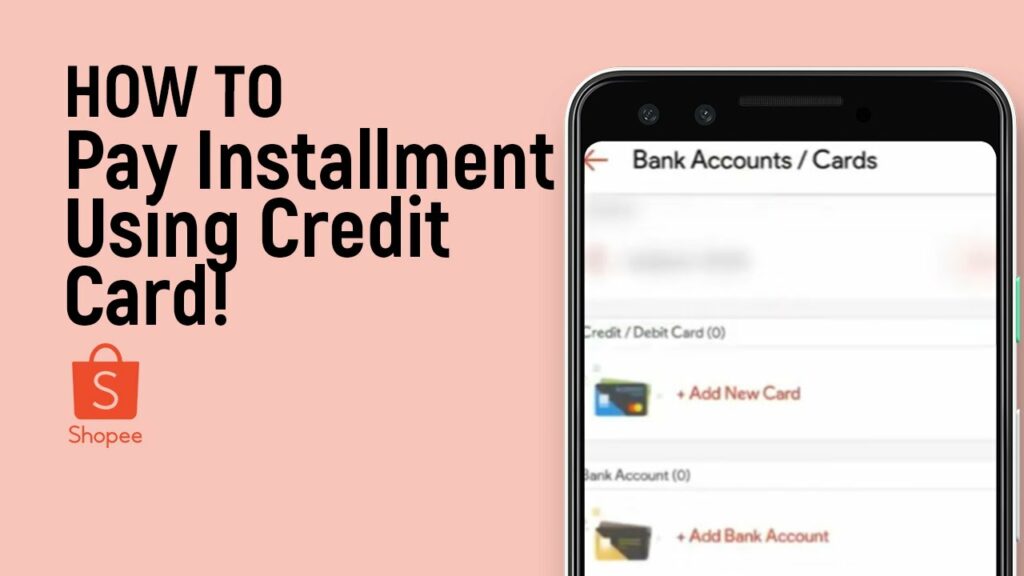
Many users encounter transaction errors or get pushed back at the final checkout step when selecting installment options using an ATM card or Visa Debit card. The core nature of shopee installment debit card payment lies in the fundamental difference in fund-holding mechanisms between standard bank accounts and bank credit-limit systems. Clearly identifying why the platform declines shopee installment debit card requests enables buyers to proactively switch to alternative payment flows, completing orders quickly without unexpected disruptions. Analysis from RentAds provides a detailed breakdown of the technical causes, suggests optimal cost-splitting solutions, and offers tips for safe debt repayment for every shopping cart.
Troubleshooting: Why Does the System Report an Error When Selecting Shopee Installment Debit Card?
If you are using a debit card and cannot select an installment tenure on Shopee, the reason usually does not lie in a card error. The issue stems from the fact that credit card installment payments and debit card payments operate on two entirely different mechanisms, whereas Shopee’s installment program currently applies to eligible credit cards.
Identification Signs
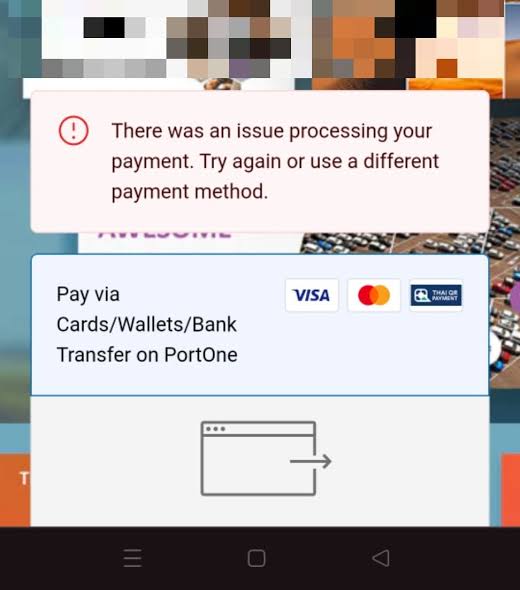
Some common symptoms include the installment option not appearing, tenure options being grayed out, or the system notifying that the card is invalid when the buyer enters card information. Cases where cards feature a Visa or Mastercard logo cause even more confusion because both credit cards and debit cards can use these payment networks.
The accurate way to verify is to check the card type issued by the bank. If it is Debit, the payment amount will be deducted directly from the account balance, and the card is not considered a credit card simply because it has a Visa/Mastercard logo. In that case, buyers cannot select the “Credit Card Installment” program intended for credit cards.
Technical Nature of the Error
Credit card installments rely on the credit limit granted by the bank to the cardholder. When an installment transaction is executed, the spending is recorded against the credit limit, and the buyer repays it gradually according to the registered tenure.
Meanwhile, a debit card uses funds available in a checking account. When a transaction is made, the money is deducted as a standard transaction instead of creating a credit balance to split into installment terms. Therefore, it is impossible to transform a Debit transaction into a credit card installment transaction solely through Shopee’s payment gateway.
Thus, if the system does not allow selecting a tenure or reports an invalid card, do not try to re-enter information multiple times hoping the system will switch to shopee installment debit card processing. Check the card type and look at the payment methods actually provided by Shopee for that specific order.
Differences Between Direct Debit Swiping and Paying via Shopee
When using a debit card directly at a physical store, the POS terminal only processes a standard payment transaction and deducts money from the account linked to the card. If a bank or store has a separate installment program, it must be a pre-supported product or process, not a default feature of every Debit card.
Similarly, when paying on Shopee, the payment gateway only processes methods for which the order and account are eligible. The fact that a Debit card can make online payments does not mean that the card is permitted to participate in installment programs. If buyers wish to make installment purchases but only possess a debit card, they can check SPayLater if their account is granted a limit and the order supports this method.
Cost Calculation: Choose SPayLater or SEasy Loan to Replace a Debit Card?
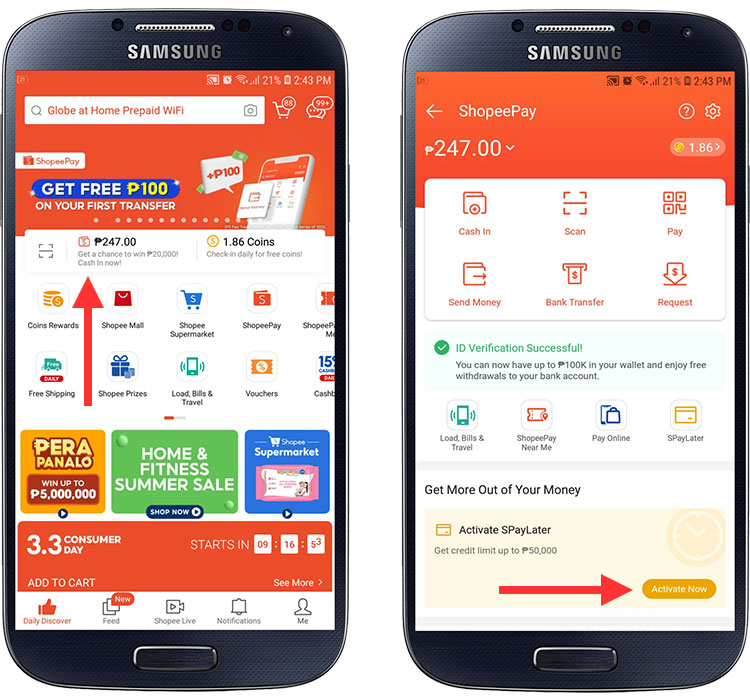
If you only have a debit card but need to split payments, SPayLater and SEasy Cash Loan are two completely different directions. SPayLater attaches directly to eligible orders, while SEasy disburses cash to a bank account for users to deploy independently. Therefore, you should compare both actual costs and how cash flows are utilized before making a selection.
Comparing SPayLater and SEasy Costs
SPayLater does not charge interest rates but applies installment conversion fees. For regular Shopee orders, the 1-term period defaults to a 0% fee; other terms currently start from 2.95% per term, with fees calculated on the total payment value of the order. Additionally, overdue payments incur a late fee of 30,000 VND per term.
SEasy Cash Loan operates on a loan mechanism, so the primary cost is loan interest. Shopee currently publishes interest rates starting from 3.22% per month, calculated on the remaining principal balance; the exact level for each loan is displayed on the loan creation page. SEasy currently does not collect management fees, application processing fees, or accompanying insurance fees, besides interest and overdue interest if applicable.
| Criteria | SPayLater | SEasy Cash Loan |
| Cost Calculation Method | Periodic conversion fee | Interest rate based on outstanding balance |
| Published Rate | From 2.95% per term for terms other than 1 term | From 3.22% per month |
| Received Funds | No cash disbursement | Disbursed to bank account |
| Usage Method | Direct payment for eligible orders/services | Independent money usage after disbursement |
| Management Fee | None | None |
| Tenure | 1, 2, 3, 6, 12, 18, 24 terms, depending on conditions | 3, 6, 9, 12, 18, 24 months, depending on loan amount |
Do not take the 2.95% and 3.22% numbers alone to conclude which option is cheaper, as these are two different calculation methods. Before deciding, view the total payable amount displayed for your specific order or loan.
Cash Flow Flexibility
SPayLater is suitable when you have identified the item to buy and the order supports this method. You select SPayLater right at the payment step, use the granted limit to pay for the order, and then pay it back according to the selected tenure. The available limit decreases after the transaction is confirmed, making this method fairly easy to control if you only need to finance a few specific orders.
SEasy is suitable for the need for a separate pool of cash. After the loan is approved, money is disbursed into the linked bank account, and the borrower can use it for personal consumption purposes. This is more flexible when needing to pay for multiple items or buying at places that do not support SPayLater, but it also means you must manage the borrowed money and repayment schedule yourself.
When Should Each Option Be Selected to Take Advantage of Offers?
If a product has a Shopee Voucher, Shop discount code, or special promotional program for SPayLater users, check the total amount after applying codes before comparing installment costs. In cases where the order enjoys low SPayLater fees or 0% for a suitable tenure, paying directly via SPayLater can help you retain order offers while splitting payments.
Conversely, if the product or purchase location does not support SPayLater but you need funds to pay proactively, SEasy has the advantage of disbursing to an account. However, do not borrow a large sum just to take advantage of a voucher; calculate the total interest payable and only borrow the amount actually needed.
A point to note is that both options are credit products. Paying on time helps avoid extra costs; conversely, overdue payments can be updated to CIC according to service policies.
Debit Cards Become Tools for Paying Off Installments on Time
A debit card cannot be converted into a credit card to generate shopee installment debit card purchase transactions, but it can still be used as a funding source in an account to pay off balances for services like SPayLater if the payment method is supported. Therefore, the practical usage is using Debit as a repayment source instead of trying to select Debit at the installment creation step.
Link Debit Card with ShopeePay to Proactively Settle Balances
If you want to use money from a bank account to pay, you first need to link the bank account/card with ShopeePay according to the banks and methods currently supported by the app. After linking, re-check account information and ensure the account has a sufficient balance before the due date.
It is necessary to distinguish this step from using a debit card to buy goods on installment. Linking Debit with ShopeePay only creates an additional funding source to perform supported transactions; it does not turn a Debit card into a credit card and does not open an additional installment limit.
Proactively Pay Before Due Date Instead of Waiting Until the Last Day
Do not wait until the exact due date to execute balance repayments. With SPayLater, open the payable balance management section, check the due amount, and execute payment using the method provided by the system. If you want to reduce the risk of forgetting schedules, you can set calendar reminders on your phone a few days before the due date.
If the app provides an automatic payment option for your account, carefully check the funding source used, deduction timing, and application conditions before enabling it. Do not default to assuming every debit card can be configured to automatically deduct funds to pay SPayLater; which features are actually available must be confirmed directly on the account interface.
What to Do When the Card Has Enough Money But Reports “Balance Payment Failed”?
If the account has sufficient funds but the payment transaction still fails, first do not click pay repeatedly. Re-check the available balance, card/account status, online transaction limit, and currently selected payment method; simultaneously check whether the bank requires transaction authentication.
If money has been deducted but the balance on Shopee has not updated, do not make a second payment right away. Save the transaction time, amount, transaction code, or screenshots and re-check the status afterward. If the payment has still not been recorded, provide this information to ShopeePay or the bank for reconciliation to avoid generating a duplicate payment transaction.
Contact Info
We provide services google account for rent nationwide, and with a team of experienced and qualified staff who both support advertising and can directly perform Facebook advertising if you need. Contact us via phone number.
Frequently Asked Questions
Yes. You can use anyone’s debit card or bank account to transfer funds for SPayLater balance repayments via VietQR codes or direct bank transfer on the app.
Yes. A history of successful transactions and a stable spending frequency using a debit card serve as an important basis for Shopee’s algorithm to automatically suggest activating an SPayLater limit for you.

