Shopee loan installment
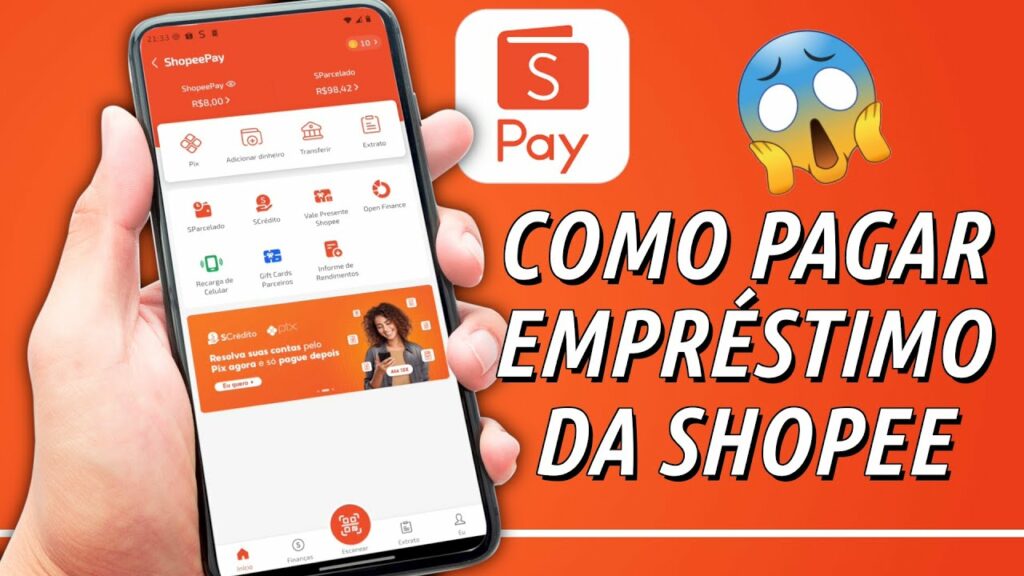
The growing demand for flexible financial solutions has led users to seek immediate expense management options without disrupting their available cash flow. Opting for a shopee loan installment plan provides quick financial support, allowing buyers to proactively distribute living costs into manageable monthly payments. Closely monitoring your shopee loan installment repayment schedule helps maintain a healthy credit score, avoid late payment penalties, and maximize approved limits for subsequent disbursements. This detailed guide from RentAds provides a comprehensive overview of the application process, interest terms, and effective strategies for safely managing outstanding balances.
Eligibility Requirements for Shopee Loan Installment Applications (SEasy Cash Loan)
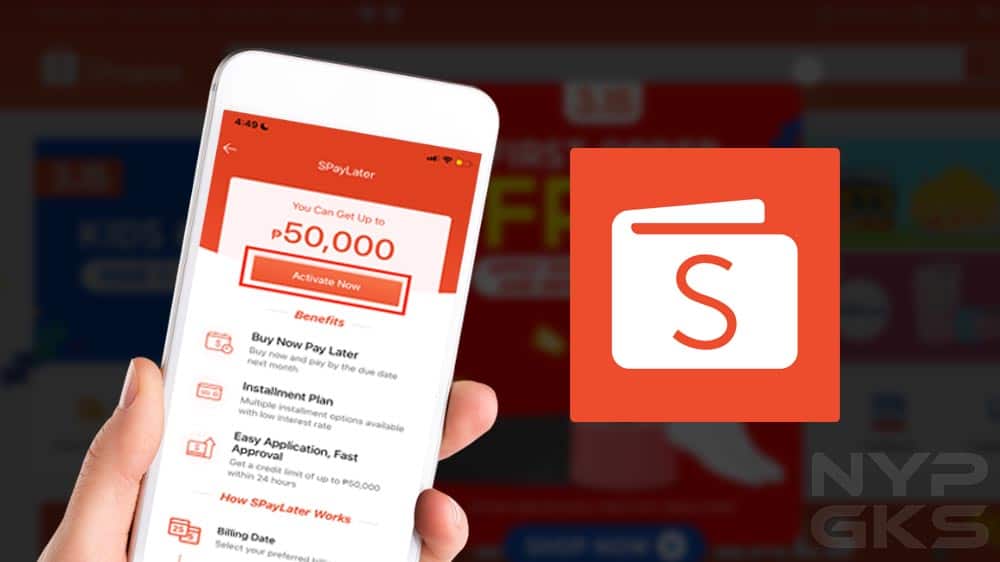
SEasy Cash Loan is a credit service available to Shopee/ShopeePay users, delivered via financial banking partners. Currently, Shopee cites TPBank and VPBank as partner banks providing this service, though partner lists may update periodically. Applications and spending limits are not automatically granted based on shopping history alone; they require a formal credit assessment by partner financial institutions.
Age Criteria, ID Documents, and Account Prerequisites
Applicants must be Vietnamese citizens holding a valid 12-digit chip-based Citizen Identity Card (CCCD) and meeting age guidelines: males aged 20 to 60, and females aged 20 to 55. Applicants must also activate ShopeePay Wallet using the primary phone number registered to their Shopee account before applying for SEasy Cash Loan.
Furthermore, Shopee/ShopeePay accounts and related credit services must remain in good standing. Applicants cannot have active past-due balances across ShopeePay-related or external credit channels. During setup, system prompts may require NFC verification; for new applicants, Shopee mandates NFC verification during the initial registration workflow.
Credit History Criteria Evaluation
A high shopping history on Shopee does not guarantee loan approval. Under SEasy terms, partner banks execute credit underwriting and hold sole discretion over loan approval decisions. Shopee does not publish exact credit score thresholds for public evaluation.
Prior to registration, audit active credit accounts, clear overdue balances, and ensure registered details match data previously provided to financial institutions. Shopee notes that for users holding existing accounts with partner banks, SEasy registration inputs must align strictly with prior banking records.
Account-Specific Limits and Dynamic Interest Rates
SEasy Cash Loan limits are not uniform across all users. Shopee states that partner banks determine credit lines using multiple criteria, including submitted profile entries; approved limits can reach up to 100,000,000 VND, though actual issued balances vary by account.
Similarly, fixed interest rates do not apply universally. Shopee publishes baseline interest rates starting from 3.22% per month, with exact rates rendered on the Create Loan page. Applicants should evaluate the interest rate, total interest fees, and net repayment balance before confirming a loan.
For each disbursement, the published minimum loan amount is 1,000,000 VND; repayment tenure options include 3, 6, 9, 12, 18, or 24 months based on profile eligibility and credit evaluation. Partner banks retain the right to adjust these criteria periodically.
Step-by-Step Guide to Receiving Loan Disbursements to Bank Accounts
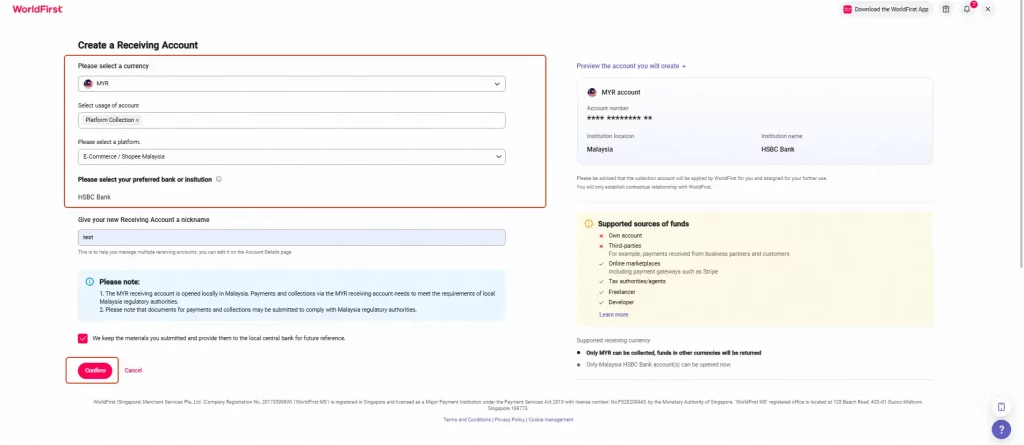
The SEasy Cash Loan registration process is executed directly within the Shopee application. Before confirming a loan, verify the principal, tenure, interest rates, and total payable amount, as these parameters directly govern monthly repayment obligations.
Step 1: Open SEasy Cash Loan on Shopee
Navigate to Me within the Shopee app and select SEasy Cash Loan. If your account is eligible to apply, the system will display available credit limits or loan options.
Before proceeding, confirm that profile names and account credentials are correct. If the application prompts for additional information, complete verification directly within the official app interface rather than using external links.
Step 2: Select Loan Amount, Tenure, and Verify Total Repayments
Enter the desired loan amount and select an available tenure option. Available terms vary by profile and may not always include all standard periods (3, 6, 9, or 12 months).
On the loan summary table, verify four core metrics:
- Net disbursement amount.
- Applied interest rate.
- Periodic repayment amount per installment.
- Total payable sum across the entire tenure.
If your financial need is 5,000,000 VND, avoid requesting higher limits simply because system allocations permit it. Selecting precise loan amounts reduces interest overhead and overall borrowing costs.
Step 3: Complete Identity and Biometric Verification
The system may require applicants to submit or verify personal information, present ID documents, and undergo facial recognition or NFC biometric scanning. Keep your physical chip-based CCCD ready and perform scanning in well-lit environments to avoid identification errors.
If prompted to enter reference contact details or supplementary data, fill in fields accurately following on-screen prompts. Do not enter fabricated information or data belonging to non-consenting individuals.
Step 4: Confirm Digital Contract and Track Disbursement
After auditing loan terms, execute the e-signature/contract confirmation and enter the OTP when prompted. Input OTP codes exclusively while conducting active loan requests inside the official app.
Upon application approval and funding, funds are transferred to your registered, system-approved bank account. Monitor loan status within Shopee while simultaneously tracking transaction logs on your receiving bank account.
If a loan status reflects “Disbursed” but funds have not rendered in your bank balance, do not re-apply or initiate a secondary loan transaction. First, audit transaction records and receiving bank account details, then reach out to official support channels if balances remain uncredited.
Late Payment Consequences and Financial Troubleshooting
Late payments trigger penalty fees and risk restricting service access while damaging credit histories. When payment issues arise, audit invoice status and payment logs immediately rather than waiting for automatic updates or making duplicate payments without confirming prior transaction outcomes.
Late Payment Penalties and CIC Credit Score Impact
According to Shopee, an SPayLater bill is deemed overdue if the due date passes without full settlement of the total balance due. Under these conditions, SPayLater functionality may be frozen until payment obligations are fulfilled; additionally, a late fee of 30,000 VND is assessed per overdue billing period and added to the subsequent bill.
Crucially, partner banks may report overdue performance to the National Credit Information Center of Vietnam (CIC) in accordance with regulations. Shopee explicitly notes that overdue SPayLater bills can be recorded in personal credit histories, negatively affecting credit scores. The 30,000 VND late fee should not be viewed as the sole consequence of delinquent payments.
To mitigate operational risk:
- Track exact due dates and total amounts owed via SPayLater > My Bills.
- Prioritize settling total bill balances in full prior to due dates rather than executing partial payments.
- When paying via NAPAS local bank cards or QR codes, initiate transactions early to allow adequate processing time. For QR payments, generate a fresh QR code per attempt, as QR credentials refresh per transaction.
- If payment dates are frequently missed, consider setting up Auto-Deduction while ensuring source bank accounts hold sufficient balances prior to execution dates.
Unreflected Bank Transfers (Delayed Debt Clearance)
If funds have been transferred from your bank account but the bill status remains unpaid, refrain from issuing immediate duplicate payments. Duplicate transfers complicate transaction reconciliation if the initial attempt settles subsequently.
First, check SPayLater > My Bills to see if the status updates, then inspect Transactions / Transaction History to confirm if the payment was logged. If paying via QR code, verify the transfer amount, time, and specific QR code used; Shopee notes that individual QR transactions utilize unique payment payloads.
If your bank balance has been debited but the debt remains uncredited, compile the following reconciliation evidence:
- Date and time of transfer.
- Total transferred amount.
- Account holder name/number and recipient details shown on the transaction receipt.
- Bank transaction ID or reference number.
- Screenshot of successful transfer confirmation from your bank app.
- Screenshot of the uncleared SPayLater bill dashboard.
Contact ShopeePay Customer Support directly to request a transaction audit. Never share OTPs, PINs, or passwords with anyone claiming to be support personnel. Shopee advises contacting ShopeePay Customer Support for resolution regarding SPayLater billing inquiries.
If an uncredited payment coincides with an imminent due date, proactively contact support rather than assuming that completed bank transfers automatically prevent late fee assessments. Retaining transaction proof streamlines dispute resolution regarding exact payment execution timestamps.
Emergency Financial Management Protocols
When facing unexpected financial strain, avoid ignoring overdue bills. Immediately audit the total amount due, available liquid funds, and incoming cash flows, then contact official ShopeePay support or partner bank channels to inquire about resolution procedures for your account.
Note that contacting support does not guarantee payment extensions or late fee waivers. SPayLater bill due dates are fixed, and Shopee recommends settling full amounts prior to due dates to avoid fees and credit score impacts.
If an account becomes past due, follow this remediation sequence:
- Calculate total outstanding balances, including accrued late fees.
- Clear the entire overdue balance as quickly as possible.
- Re-check SPayLater account status post-payment to confirm service restoration.
- If account restrictions persist or transactions remain unrecorded, submit a support ticket attaching transaction IDs and payment proof.
- Avoid taking out additional loans or alternative credit lines simply to roll over debt without calculating total interest overhead.
Regarding account suspensions, distinguish between general Shopee platform accounts and SPayLater service features. Per Shopee terms, late payments may lead to temporary suspension of platform feature access; overdue bill guidelines specify that SPayLater features may be frozen until full balance clearance. When facing financial hardship, focus on clearing overdue balances and contacting official support channels promptly rather than waiting until platform capabilities are restricted.
Contact Info
You need a Facebook advertising account but don’t know any reputable provider. Coming to Rentads is where you will experience what you need google ads agency account for rent prestige, high trust, and professional consulting and service support for customers.
Frequently Asked Questions
Disbursed loan funds are transferred directly into the verified personal bank account linked during the application process. Funds are not credited to your ShopeePay Wallet balance.
Delays of 1 to a few days trigger contractual late payment fees. However, if delinquency extends beyond 10 days, adverse debt records may be submitted to the National Credit Information Center (CIC), impacting future credit and loan eligibility.

